

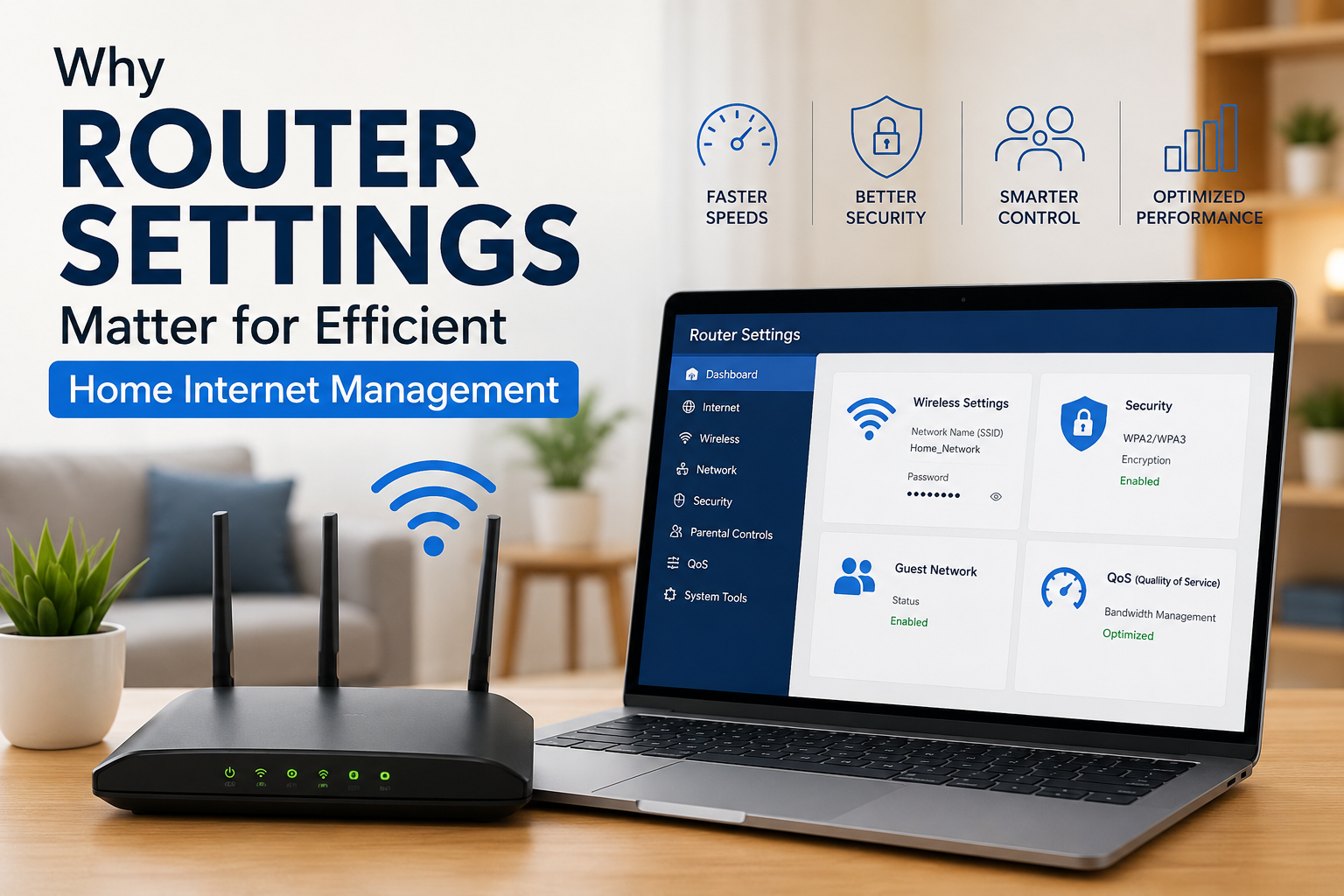
Router settings are central to how a household uses the internet each day. Many individuals use default configurations and may not be aware of the control available within device settings – these controls affect how speed is distributed, how stable connections are and how multiple devices share a single connection. When these settings are adjusted, home internet performance is often better and common issues like delays or interruptions are less frequent. Knowledge of these settings helps users maximize their current hardware without the need for expensive upgrades.
The Role of Router Settings in Network Performance
Users can use router settings to manage how bandwidth is distributed among connected devices – this process is helpful in homes where people are streaming, gaming or working simultaneously. If configurations are not managed, one device is capable of using most of the capacity, which makes other connections slow. Adjusting the settings helps create a balanced network where important activities are stable during times of high use – this management also allows for consistent performance during busy hours.
Wireless Configuration & Signal Efficiency
Wireless settings determine how signals travel throughout a home. Choosing a specific channel and frequency band is a way to lower interference from other networks and make connections stronger. Many routers have 2.4 GHz and 5 GHz options for different types of activities. Correct configuration ensures that devices are on the most appropriate band, which makes speeds more consistent – this is particularly useful in areas where many networks are close together.
Security & Access Control in Home Networks
Router settings are tools for managing who is able to use the network and what actions they can take. Strong passwords and encryption are methods to prevent unauthorized access that is often responsible for slow performance or security risks. Some settings allow administrators to manage permissions for different users so that only trusted devices are able to reach sensitive features – these tools provide control over how home internet resources are used.
Guest Access & Device Segmentation
Guest network options are for visitors to connect without using the main network – this separation is a way to keep bandwidth available for primary household activities like work or streaming. It is also a method to prevent guests from seeing personal files on the main network. Many internet providers include guest features in their routers to make secure setups easier. Proper segmentation is helpful for keeping the network organized when there are frequent visitors.
Quality of Service Prioritization
Quality of Service settings are for prioritizing specific types of traffic. As an example, video calls or online classes can be set to have higher priority than background downloads – this is a way to maintain performance for important tasks when the network is busy. Adjusting these settings is a method to make a network more responsive in active households. It ensures that critical activities are not interrupted by data usage that is less urgent.
Firmware Updates & Stability
Updating router firmware is necessary for stability and performance. Updates are often the source of improvements for speed, security and device compatibility. Outdated firmware is sometimes the cause of slow connections or service drops. Regular updates are a way to ensure the router is efficient and works with new technology – this practice also makes performance issues less likely during times of high demand.
Impact on Daily Usage
Router configuration is a direct factor in daily activities like streaming, gaming and remote work. When settings are optimized, users have fewer interruptions and speeds are more consistent – this balance is important in homes where many activities happen at the same time. A managed network is a way for entertainment and work to happen together without conflict. It is a way to improve satisfaction with home internet performance.
Household Management & Provider Support
Router settings are also helpful for understanding network performance in relation to a service plan. Adjusting settings is a way to resolve issues without calling internet providers. Providers are available to give guidance on complex configurations or suggest new equipment. The combination of user management and provider support is a way to maintain a stable network. It ensures households receive the full value of their connection.
Conclusion
Router settings are a major factor in how a household manages its internet connection – these settings affect almost every part of connectivity, including bandwidth, security and performance. When they are configured correctly, they are the reason for a more reliable experience for all users. Taking time to adjust these settings ensures that home internet is efficient and able to meet modern digital needs.
 Mudsr
Mudsr