

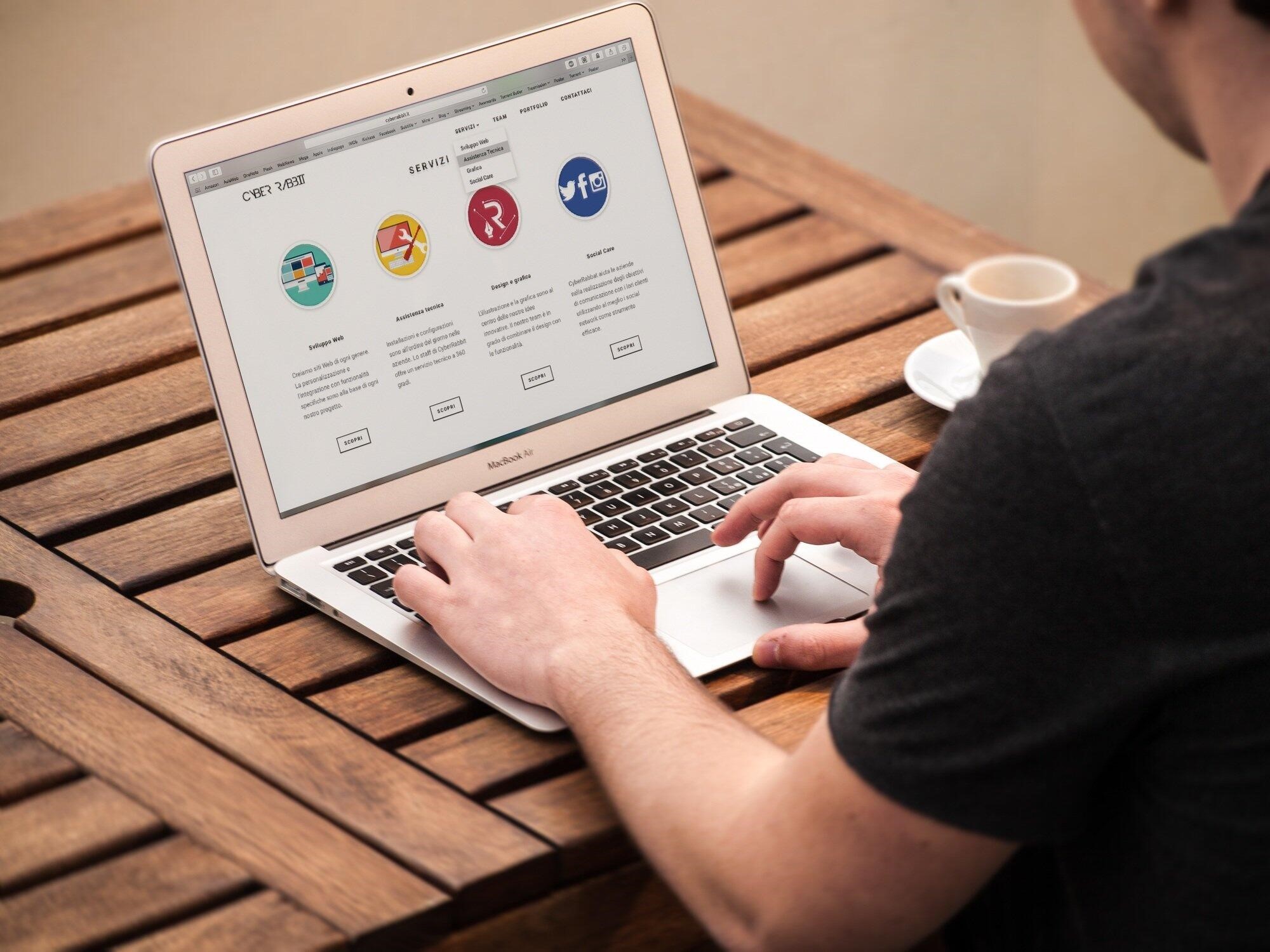
Have you ever visited a website and left within seconds because it felt confusing or dull? Many beginners do not realize how much design shapes the way people feel and act online. Strong web design practices help users feel welcome, safe, and ready to explore without stress.
In this article, you will explore various web design techniques that can drastically increase user interaction and satisfaction, with clear focus on responsive design. By the end, you will understand how smart design choices can hold attention longer, build trust faster, and turn simple visits into meaningful actions for businesses of every size.
Web Design Practices That Build Strong First Impressions
First impressions form quickly, and design plays a major role in that moment. Colors, fonts, and spacing should feel calm and easy to read from the start. When pages look clean, users feel more confident and stay longer.
Simple choices often work better than complex styles. Brands like Ignite Web Design show how clear visuals and steady layouts can support trust. When users understand where they are and what to do, they are more likely to click, scroll, and return again.
Responsive Design Keeps Users Comfortable
Responsive design allows a website to adjust smoothly to phones, tablets, and computers. Users expect pages to load fast and fit their screens without effort. When text is too small or buttons are hard to tap, frustration grows quickly.
A flexible layout helps people enjoy the site wherever they are. This comfort leads to longer visits and better interaction. Search engines also reward sites that work well on all devices, which helps more users find the content easily.
Simple Layouts Help Users Focus
Simple layout removes confusion and supports clear thinking. Users should see the main message without searching or guessing. Too many images or links can distract and slow decision making.
White space gives the eyes a break and makes content easier to read. Clear sections guide attention in a natural way. A focused layout also reduces errors and helps people complete tasks with less effort and more confidence.
Clear Visual Paths Guide Action
Visual paths show users where to look and what to do next. Headings, images, and buttons should work together in a clear order, important items stand out, users act with less doubt.
Color contrast helps buttons feel easy to find and safe to press. Text labels should explain actions in plain language. Good visual flow reduces mental strain and saves time.
Users feel guided rather than pushed. This balance supports trust and improves satisfaction over time, when action feels simple, engagement grows naturally and users return more often. Icons should match their meaning to avoid mistakes.
Consistent styles help users learn patterns quickly, animations should be soft and purposeful, never loud or distracting, when pages respond smoothly, users feel in control. Over time, clear guidance lowers bounce rates and supports goals by helping visitors complete actions with confidence and a stronger sense of success across many pages and different types of content online.
Turn Visits Into Lasting Connections
Great design is not about trends but about people and their needs. When web design practices focus on comfort, clarity, and ease, users respond with trust and action. Responsive layouts, simple structures, and clear paths all work together.
Beginners can apply these ideas step by step without stress. Strong engagement grows from thoughtful design that respects time and attention. Small changes today can lead to better results tomorrow for growing websites and teams.
 Mariah